> ## Documentation Index
> Fetch the complete documentation index at: https://docs.saletides.com/llms.txt
> Use this file to discover all available pages before exploring further.
# How Data Syncs
> Understand how SaleTides keeps your WooCommerce data up to date — initial import and real-time webhooks.
## Two sync mechanisms
SaleTides uses two complementary methods to keep your data current:
A one-time bulk import of your full WooCommerce history when you first connect your store
Event-driven updates that fire automatically as new orders, customers, and products arrive
## Initial import
When you first connect your WooCommerce store, SaleTides fetches your entire order history along with all related data. The import runs in batches in the background and never affects your store's performance.
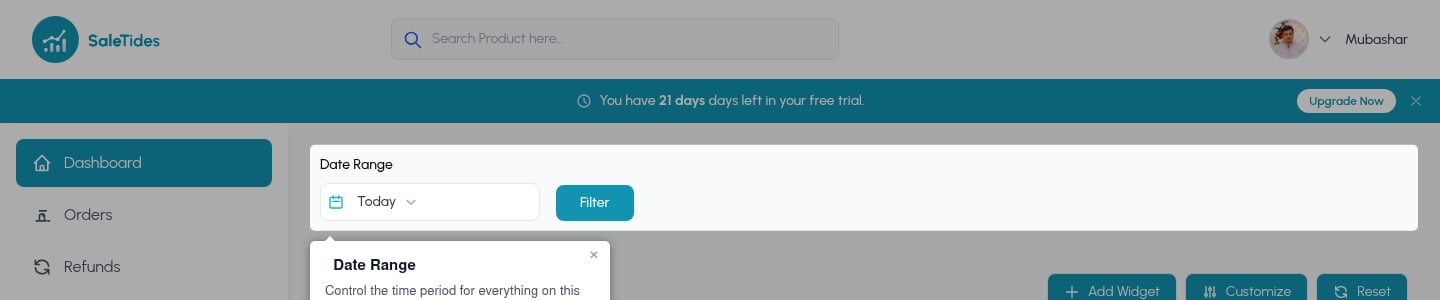 See [Understanding your first import](/getting-started/understanding-your-first-import) for full details on what gets imported and how long it takes.
## Real-time webhooks
After the initial import, SaleTides automatically registers webhooks on your WooCommerce store. Webhooks are instant HTTP notifications — whenever something happens on your store, WooCommerce notifies SaleTides in seconds.
### What triggers a webhook update
| Event | Trigger |
| ------------- | ------------------------------- |
| Order created | Customer places an order |
| Order updated | Status changes, order is edited |
| Order deleted | Order is deleted in WooCommerce |
| Event | Trigger |
| ---------------- | -------------------------- |
| Customer created | New account registered |
| Customer updated | Profile or address changes |
| Event | Trigger |
| --------------- | ------------------------------- |
| Product created | New product published |
| Product updated | Price, stock, or details change |
| Product deleted | Product removed |
| Event | Trigger |
| -------------------- | -------------------------------------- |
| Subscription created | New subscription started |
| Subscription updated | Status changes (cancel, pause, resume) |
### How fast is it?
Webhook events are processed within a few seconds of the event occurring on your store. A new order placed on WooCommerce will appear in your SaleTides dashboard almost instantly.
## Data flow
```
Customer places order on your WooCommerce store
↓
WooCommerce fires webhook → SaleTides API endpoint
↓
Order saved to SaleTides database
↓
Customer stats & metrics recalculated
↓
Dashboard updates automatically
```
## Verifying webhooks are active
Log in to your WordPress dashboard.
Go to **WooCommerce → Settings → Advanced → Webhooks**.
You should see webhooks with **SaleTides** in the name, all showing status **Active**.
If webhooks show as Inactive or are missing, see [WooCommerce Webhooks troubleshooting](/integrations/woocommerce-webhooks).
## What is NOT synced in real time
These items are updated on a background schedule (typically within a few minutes) rather than instantly via webhook:
* Cohort calculations
* Customer attribute groupings
* Source / UTM attribution
* Daily summary metrics
See [Understanding your first import](/getting-started/understanding-your-first-import) for full details on what gets imported and how long it takes.
## Real-time webhooks
After the initial import, SaleTides automatically registers webhooks on your WooCommerce store. Webhooks are instant HTTP notifications — whenever something happens on your store, WooCommerce notifies SaleTides in seconds.
### What triggers a webhook update
| Event | Trigger |
| ------------- | ------------------------------- |
| Order created | Customer places an order |
| Order updated | Status changes, order is edited |
| Order deleted | Order is deleted in WooCommerce |
| Event | Trigger |
| ---------------- | -------------------------- |
| Customer created | New account registered |
| Customer updated | Profile or address changes |
| Event | Trigger |
| --------------- | ------------------------------- |
| Product created | New product published |
| Product updated | Price, stock, or details change |
| Product deleted | Product removed |
| Event | Trigger |
| -------------------- | -------------------------------------- |
| Subscription created | New subscription started |
| Subscription updated | Status changes (cancel, pause, resume) |
### How fast is it?
Webhook events are processed within a few seconds of the event occurring on your store. A new order placed on WooCommerce will appear in your SaleTides dashboard almost instantly.
## Data flow
```
Customer places order on your WooCommerce store
↓
WooCommerce fires webhook → SaleTides API endpoint
↓
Order saved to SaleTides database
↓
Customer stats & metrics recalculated
↓
Dashboard updates automatically
```
## Verifying webhooks are active
Log in to your WordPress dashboard.
Go to **WooCommerce → Settings → Advanced → Webhooks**.
You should see webhooks with **SaleTides** in the name, all showing status **Active**.
If webhooks show as Inactive or are missing, see [WooCommerce Webhooks troubleshooting](/integrations/woocommerce-webhooks).
## What is NOT synced in real time
These items are updated on a background schedule (typically within a few minutes) rather than instantly via webhook:
* Cohort calculations
* Customer attribute groupings
* Source / UTM attribution
* Daily summary metrics