> ## Documentation Index
> Fetch the complete documentation index at: https://docs.saletides.com/llms.txt
> Use this file to discover all available pages before exploring further.
# SaleTides Help Center
> Everything you need to get the most out of SaleTides — WooCommerce analytics built exclusively for WooCommerce stores.
 ## Welcome to SaleTides
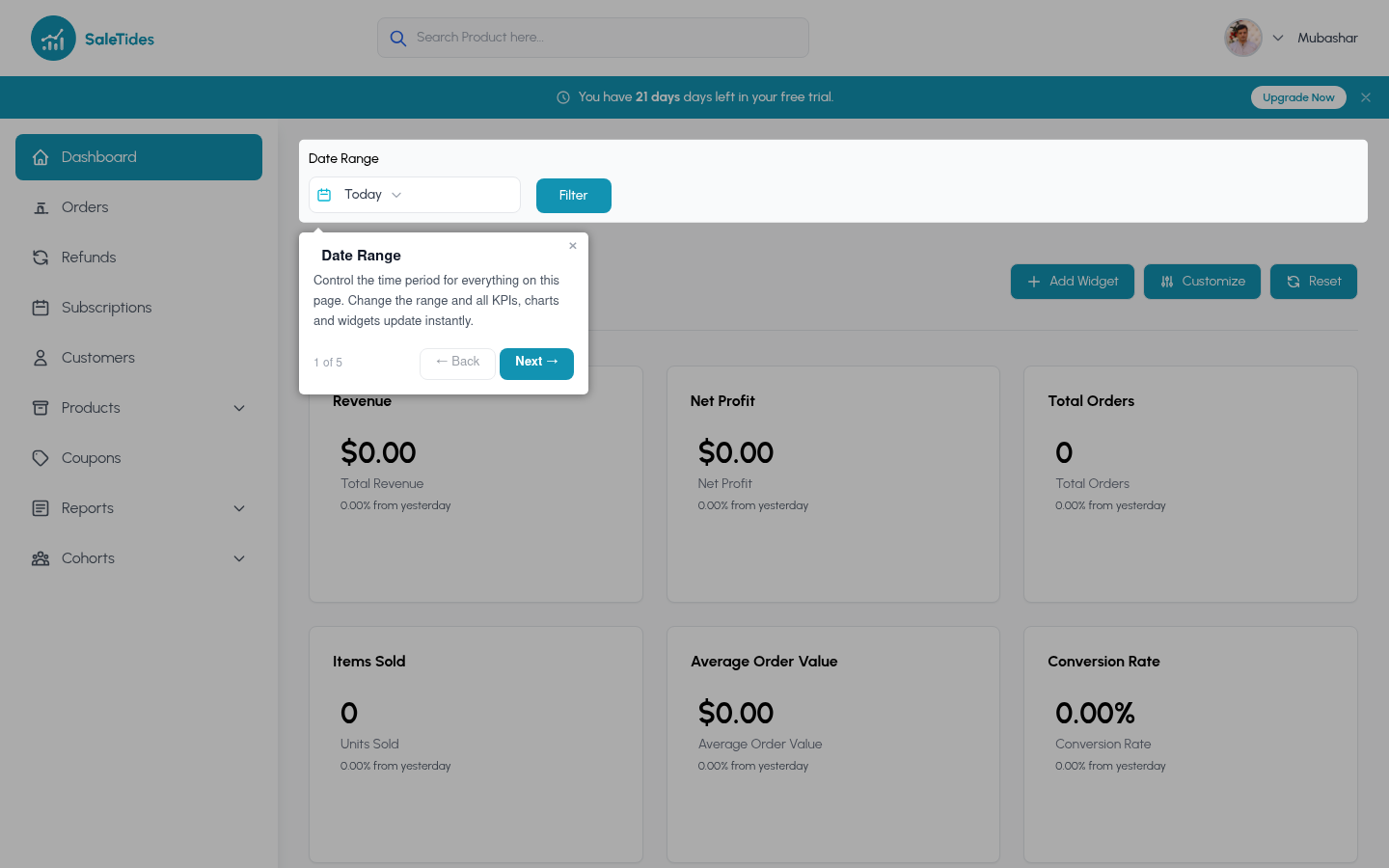
SaleTides connects directly to your WooCommerce store and gives you deep analytics across orders, customers, products, subscriptions, and revenue — all in one place. No spreadsheets. No configuration. Just connect and go.
Connect your store and explore your data in minutes
Orders, customers, products, revenue, subscriptions, and more
Cohort analysis, custom segments, and abandoned cart recovery
Every feature on every plan — pricing based on usage
## New to SaleTides? Start here
Takes 2 minutes. We use WooCommerce's official OAuth — no API keys to copy and paste.
[Connect your store →](/getting-started/connecting-your-store)
SaleTides imports your full order history in the background. Most stores are ready in under 20 minutes.
[What gets imported →](/getting-started/understanding-your-first-import)
Your data is ready. Start with the Orders overview, then dig into Customers and Cohorts.
[Navigating the dashboard →](/getting-started/navigating-the-dashboard)
## Popular articles
Step-by-step WooCommerce OAuth setup
Understand retention and LTV over time
Filter any report by any combination of criteria
Imports, webhooks, and real-time updates explained
Solo, Growth, and Pro — what's different?
Why numbers may differ from WooCommerce admin
## Need help?
Can't find what you're looking for? Email us at **[support@saletides.com](mailto:support@saletides.com)** — we respond within 1 business day.
## Welcome to SaleTides
SaleTides connects directly to your WooCommerce store and gives you deep analytics across orders, customers, products, subscriptions, and revenue — all in one place. No spreadsheets. No configuration. Just connect and go.
Connect your store and explore your data in minutes
Orders, customers, products, revenue, subscriptions, and more
Cohort analysis, custom segments, and abandoned cart recovery
Every feature on every plan — pricing based on usage
## New to SaleTides? Start here
Takes 2 minutes. We use WooCommerce's official OAuth — no API keys to copy and paste.
[Connect your store →](/getting-started/connecting-your-store)
SaleTides imports your full order history in the background. Most stores are ready in under 20 minutes.
[What gets imported →](/getting-started/understanding-your-first-import)
Your data is ready. Start with the Orders overview, then dig into Customers and Cohorts.
[Navigating the dashboard →](/getting-started/navigating-the-dashboard)
## Popular articles
Step-by-step WooCommerce OAuth setup
Understand retention and LTV over time
Filter any report by any combination of criteria
Imports, webhooks, and real-time updates explained
Solo, Growth, and Pro — what's different?
Why numbers may differ from WooCommerce admin
## Need help?
Can't find what you're looking for? Email us at **[support@saletides.com](mailto:support@saletides.com)** — we respond within 1 business day.