

Before you begin
What do I need?
What do I need?
- A live WooCommerce store (WooCommerce 3.5 or later)
- Admin access to your WordPress dashboard
- Your store’s public URL (e.g.
https://yourstore.com)
Does SaleTides need write access to my store?
Does SaleTides need write access to my store?
No. SaleTides requests read-only access via the WooCommerce REST API. It cannot create, modify, or delete any orders, products, or customers on your store.
Does my store need to be publicly accessible?
Does my store need to be publicly accessible?
Yes. SaleTides needs to reach your WooCommerce REST API over the internet. Stores on
localhost or behind a VPN will not work.Step-by-step setup
1
Create your SaleTides account
Go to saletides.com and click Start Free Trial. Enter your email address to begin.
No credit card required for the 30-day free trial.
2
Enter your WooCommerce store URL
Enter the full URL of your store — for example, 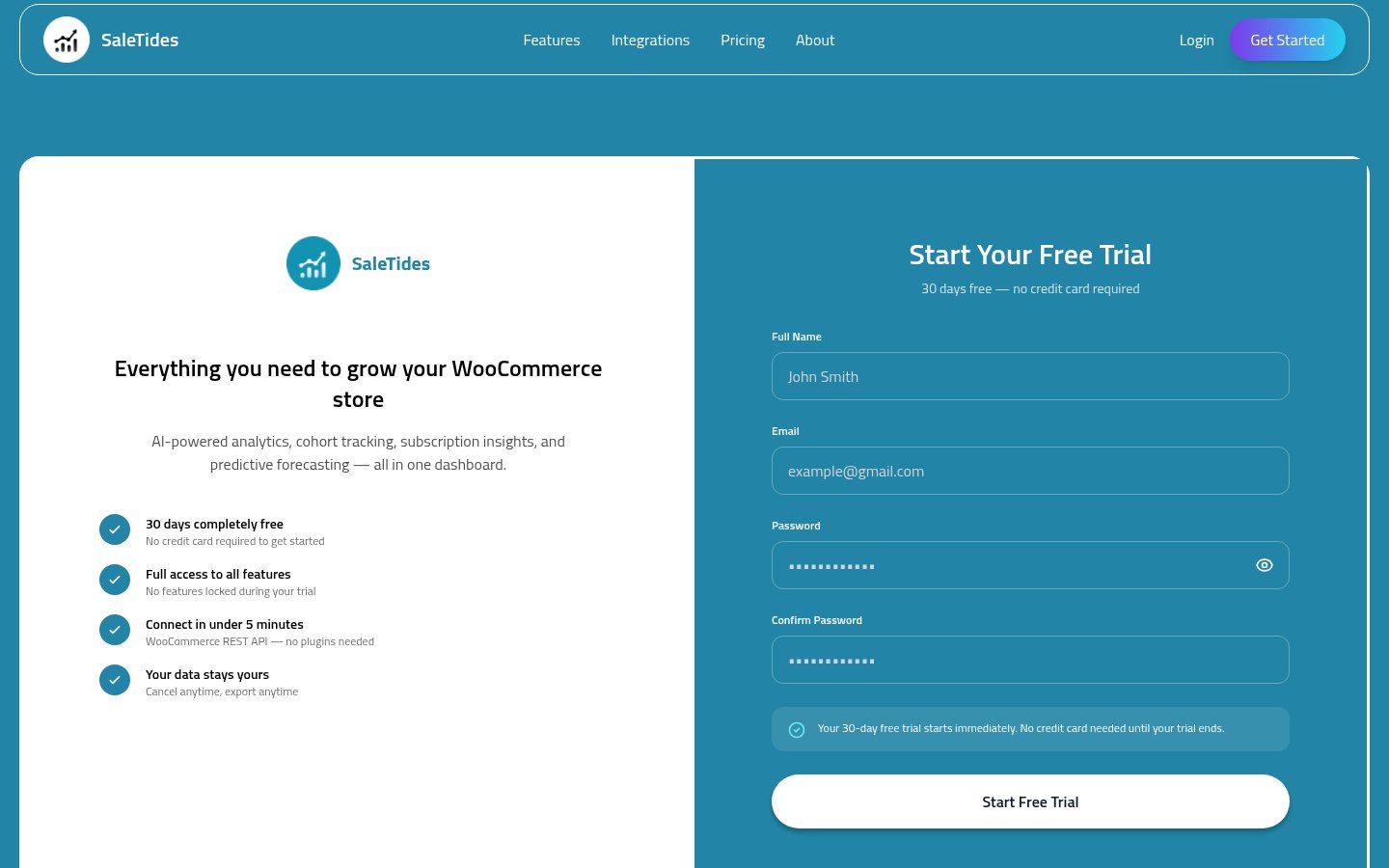
https://yourstore.com.- Missing
https://— always include the full protocol - Entering a page URL — use your root domain, not
/shopor/products - Store is in maintenance mode — disable it temporarily during setup
3
Authorize via WooCommerce OAuth
You’ll be redirected to your WordPress admin with a WooCommerce authorization screen. Click Approve.This creates read-only API credentials that SaleTides uses to import your data. Your store data is never modified.
4
Wait for the initial import
SaleTides immediately begins importing your historical data in the background.
5
Webhooks are set up automatically
After the import, SaleTides registers webhooks on your WooCommerce store so new orders, customers, and product updates appear in real time.Verify them at WordPress Admin → WooCommerce → Settings → Advanced → Webhooks.
What gets imported
Orders
All orders including line items, billing/shipping addresses, payment method, and notes
Customers
All customer records linked to their orders
Products & Variations
All products, categories, and variations with pricing data
Coupons
All coupon codes and usage history
Refunds
All refunds linked to their original orders
Subscriptions
All subscription records if WooCommerce Subscriptions is active
Troubleshooting
I get an error when entering my store URL
I get an error when entering my store URL
- Make sure the URL includes
https:// - Confirm your store is publicly accessible (not in maintenance mode)
- Verify WooCommerce is active, not just WordPress
- Check that your server allows outgoing REST API requests
The WooCommerce OAuth screen didn't appear
The WooCommerce OAuth screen didn't appear
The WooCommerce REST API may be disabled. Go to WooCommerce → Settings → Advanced → REST API and enable it.
I approved access but the import isn't starting
I approved access but the import isn't starting
Refresh your SaleTides dashboard and wait 2 minutes. If still not started, go to Settings → Store Settings and click Reconnect Store.
The import has been running for a very long time
The import has been running for a very long time
Large stores (50,000+ orders) can take 1–3 hours — this is normal. If it has been running for more than 6 hours without progress, click Report Issue on the import screen or email support@saletides.com.