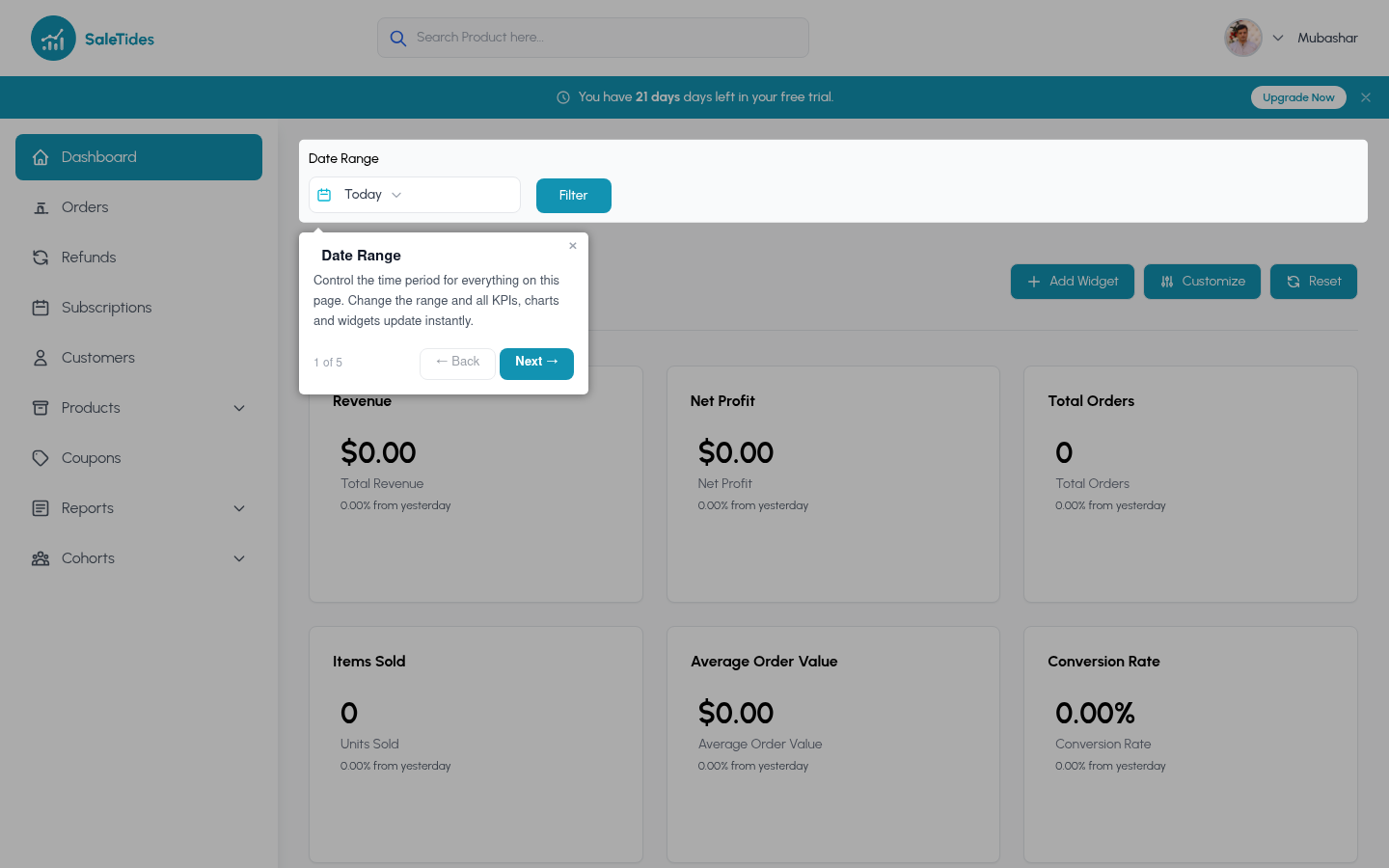
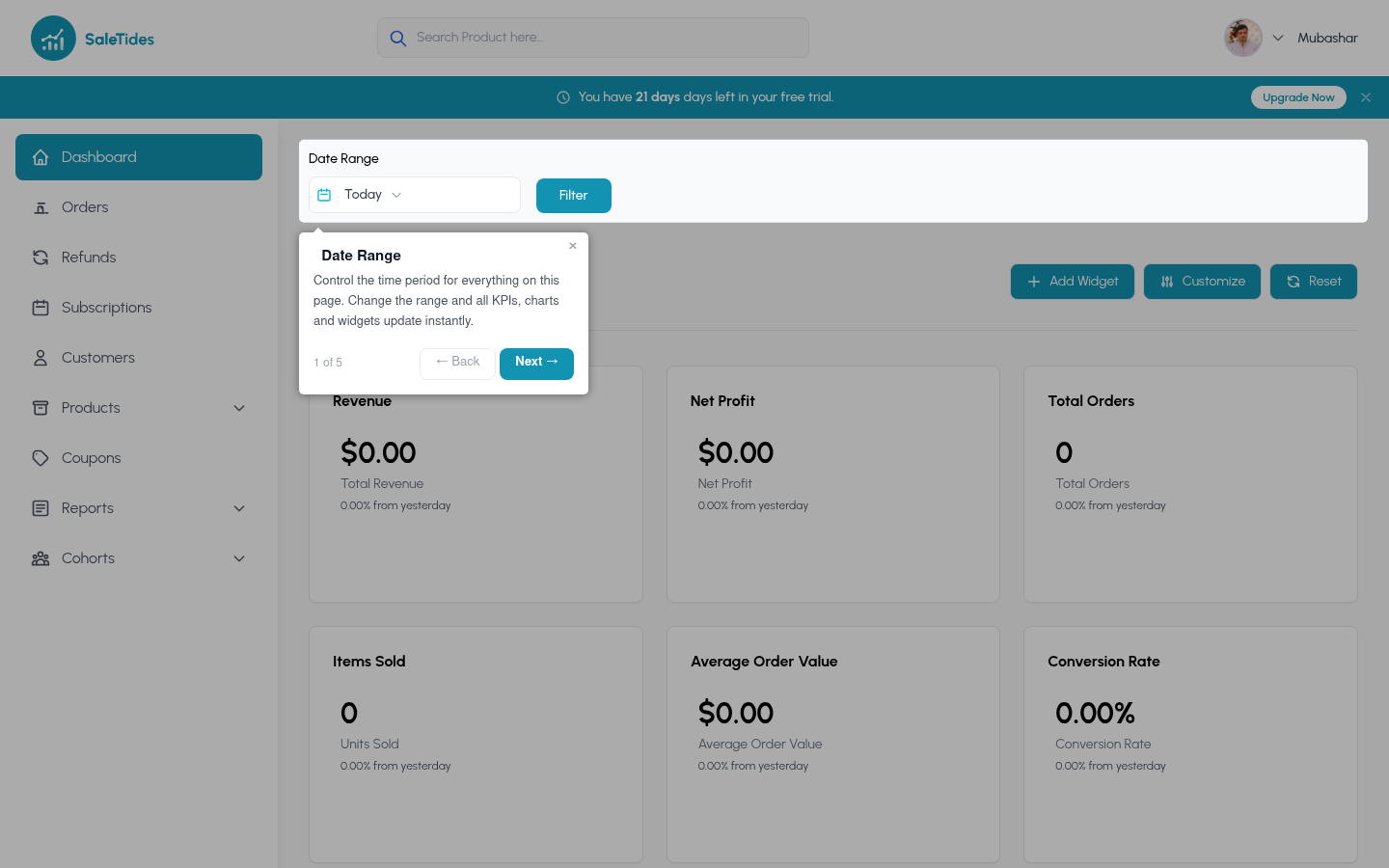
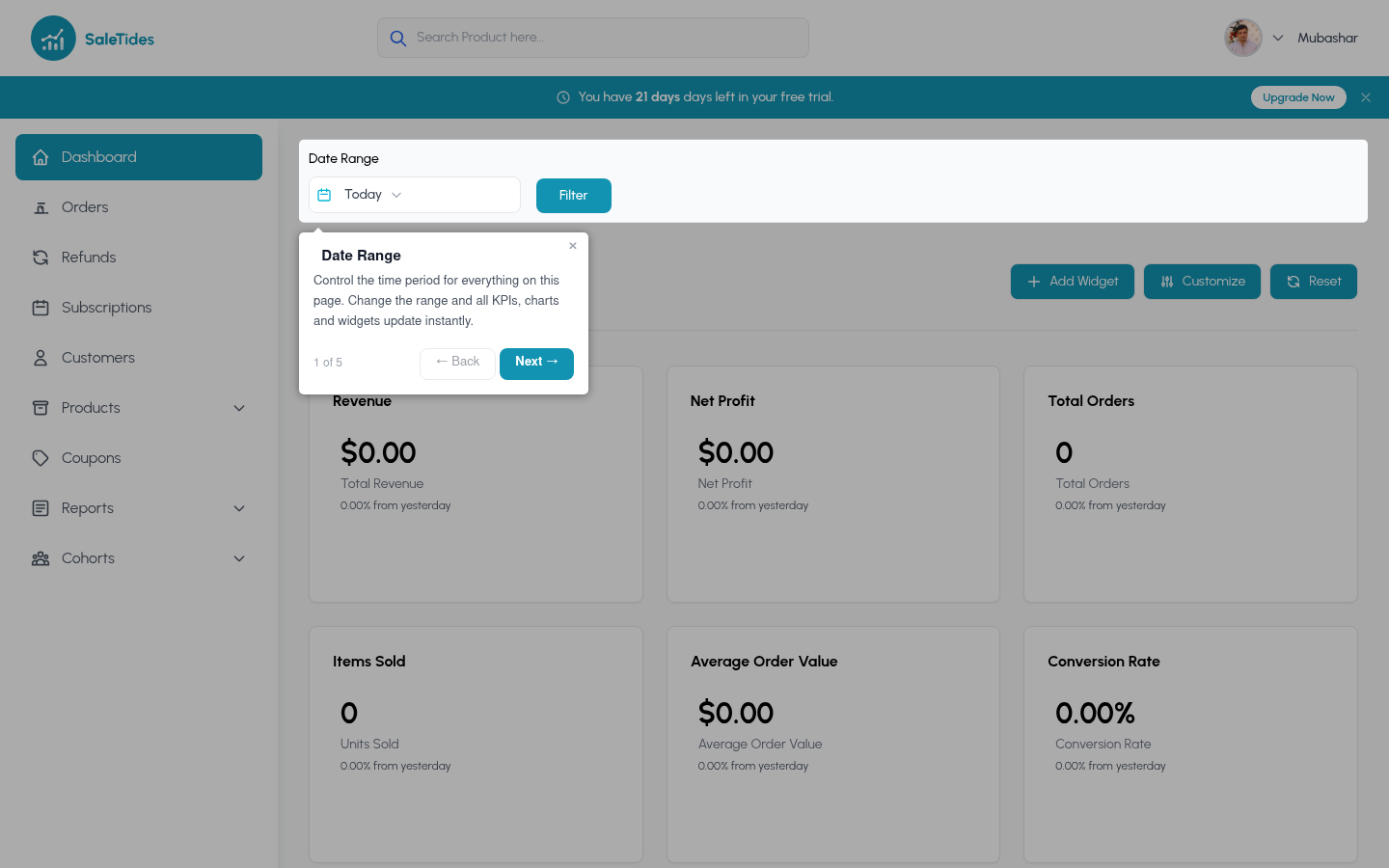
The left sidebar gives you access to every section of SaleTides.
Analytics
Advanced
Account
The main dashboard
The dashboard is made up of widgets — individual metric cards and charts you can fully customize.
Default widgets include:
- Revenue over time
- Orders over time
- New vs. returning customers
- Top products by revenue
- Orders by status
- Orders by country
Click Add Widget to add new metrics. Drag widgets by their top edge to reorder. Click × to remove any widget.
Date range selector
Every page has a date range picker in the top right. The selected range applies to all metrics and charts on that page.
Filters
Most analytics pages include a filter panel. Use filters to narrow your data without creating a full segment.
Common filters
Segment filter
- Order status — completed, processing, refunded, cancelled, etc.
- Payment method — Stripe, PayPal, bank transfer, etc.
- Country — billing country
- Product — orders containing a specific product
Apply any saved Custom Segment to filter the entire page to a specific group — for example, “High-value UK customers” or “Orders via Stripe over $200”. Switching stores
If you have multiple WooCommerce stores connected, use the store switcher in the top navigation to move between them. Each store has its own independent data and dashboard.